Defeats Procrastination
Committing to just 25 minutes removes the psychological barrier that keeps students from starting. The pomodoro method timer creates the urgency that gets you working.
Use the proven Pomodoro technique to study with deep focus. Our free pomofocus-style timer breaks your study time into 25-minute sessions with automatic breaks — beating procrastination and boosting productivity. The best study focus timer app, completely free for Android.
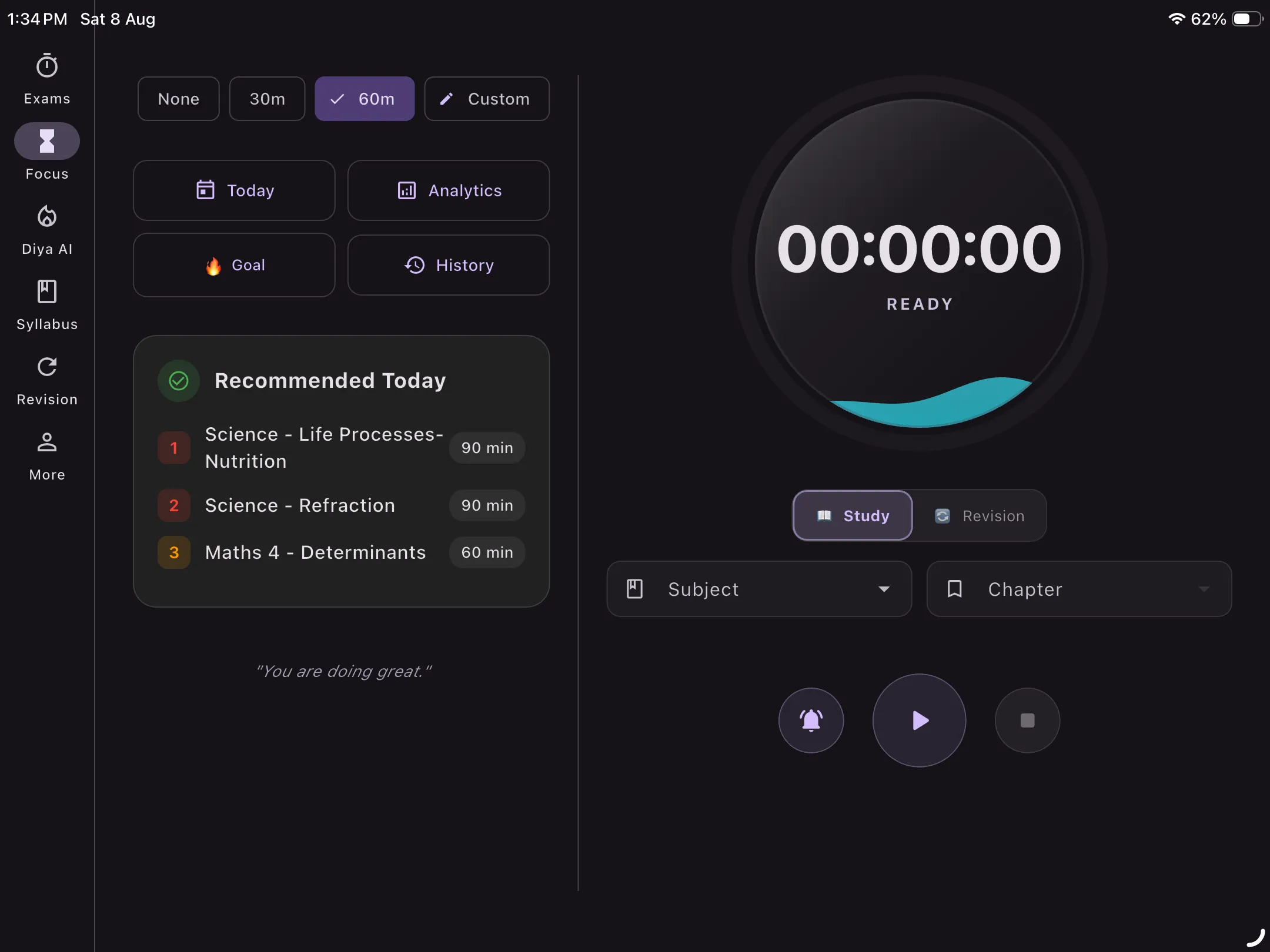
Tablet Preview: Immersive Focus Session with subject chapter integration
The Pomodoro technique (also called the tomato technique or tomato method) is a time management method developed by Francesco Cirillo. You use a focus timer to work in focused 25-minute bursts — called pomodoros — followed by a 5-minute break. Every 4 sessions, take a longer 15–30 minute break.
The Pomodoro method of time management is one of the most effective productivity timer systems for students. It trains your brain to concentrate, prevents burnout, and makes even the hardest subjects feel manageable. Whether you prefer Pomodoro 25 5 or Pomodoro 50 10, our app supports fully customizable intervals.
Our pomofocus timer is integrated directly with your study planner — so every session you complete is automatically logged against your subject goals.
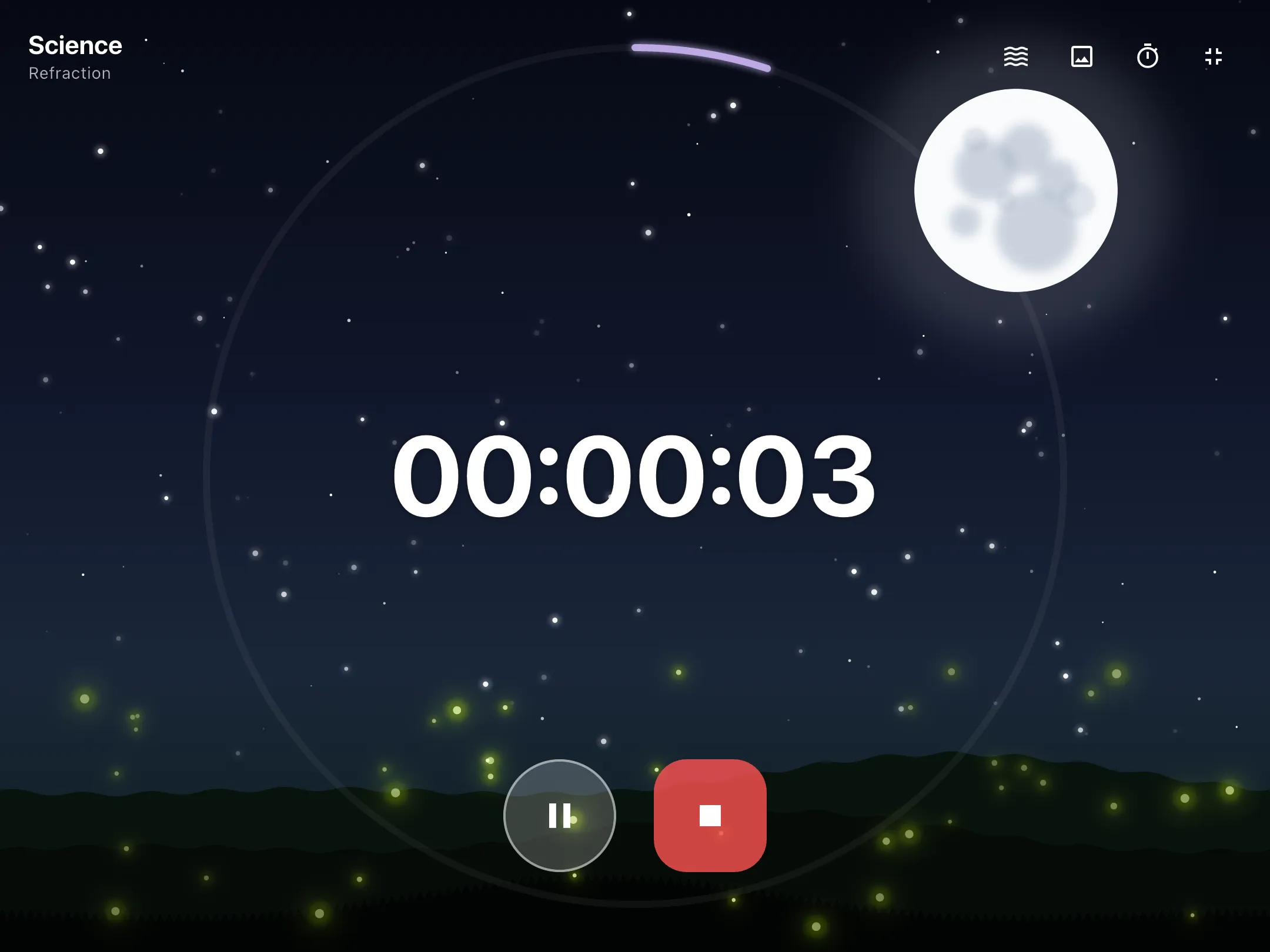
Tablet Preview: Customized focus timer interface with progress tracking
The human brain isn't built for hours of continuous concentration. The Pomodoro technique for studying works with your brain's natural focus cycles — short bursts of deep work, followed by strategic recovery.
Committing to just 25 minutes removes the psychological barrier that keeps students from starting. The pomodoro method timer creates the urgency that gets you working.
Knowing the focus timer is running creates urgency. Put your phone down, close distracting tabs, and enter a state of genuine focus — the pomodoro application keeps you accountable.
Automatic break reminders ensure you rest at the right intervals. This prevents mental fatigue and keeps concentration sharp — a core feature of the Pomodoro technique for studying.
Every completed pomodoro is logged to your study history. Watch your daily and weekly session count grow — pure motivation. Our pomodoro app tracks it all automatically.
Not a Pomodoro 25/5 person? Try Pomodoro 50/10 or any custom focus/break duration. Adjust the focus time app to match your attention span.
Use focus mode to minimize interruptions while the pomodoro timer runs. Your study time is sacred — protect it with our focus pomodoro app.
Select the subject you're studying so your pomodoros are tracked against the right study goal in your planner.
Tap start. 25 minutes on the clock (or your custom interval). Close your phone, open your notes, and focus — the study focus timer handles the rest.
When the timer rings, take your 5-minute break. Stretch, breathe, hydrate. Then repeat the Pomodoro cycle for maximum productivity.
The Pomodoro technique (also known as the tomato method or tomato technique) is a study focus method using 25-minute work sessions and 5-minute breaks. The pomodoro method of time management helps you concentrate, avoid burnout, and track exactly how much you study.
Yes. You're not limited to Pomodoro 25/5. You can set any focus and break durations — including the popular Pomodoro 50/10 method — to match your study style and subject difficulty.
Yes, completely free. Our focus timer for study is 100% free with no ads or in-app purchases, making it one of the best free Pomodoro timer apps available for Android students.
Every completed Pomodoro session is automatically logged against your subject in the study planner. Your daily and weekly study goal progress updates in real time, so your focus time counts toward your revision targets.
Pomofocus is a popular web-based Pomodoro timer. Our app offers similar pomofocus-style timer functionality but is fully integrated with a study planner, exam countdown, to-do list, and AI study planner — all in one app with cloud sync.
25 minutes of focus. The proven Pomodoro technique. Completely free. Download the best Pomodoro timer app for students today.
↓ Download Free